
Skip navigation
videongon Try it

NEWSeedance 2.5: videos up to 30 seconds with audio

Tạo video Seedance không giới hạn AI with videongon

From a prompt or image to your next film. Create videos with Seedance 2.5 and 2.0, and manage parallel tasks in one app.

Prompts · Reference images · ChatGPT & Claude via MCP

Seedance 2.5

Videos up to 30 seconds, with audio

Create with Seedance 2.5
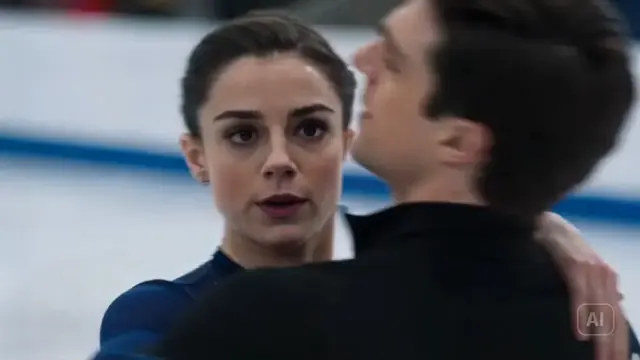
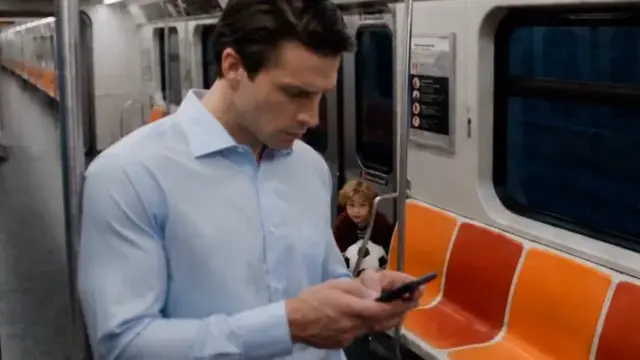
Reference videos · seedance.tvExplore all prompts Seedance 2.5 →

Seedance 2.0

Smooth, consistent motion for short videos with multiple scenes

Create with Seedance 2.0
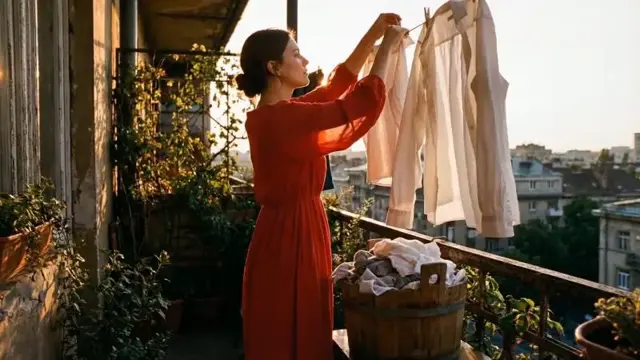
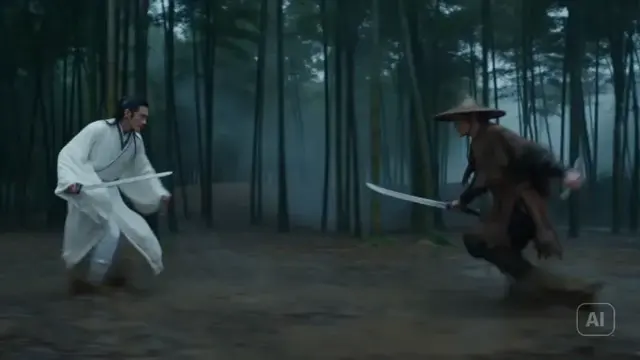
Reference videos · seedance.tvExplore all prompts Seedance 2.0 →

MCP / LIVE FLOW

One message.
A full set of videos.

See exactly what happens when ChatGPT or Claude sends a request to videongon through MCP.

ChatGPT / ClaudeMessage
Write a 3-minute sales video script for a vitamin C serum, split it into 15-second scenes, then create it in videongon with Seedance 2.5.

Done! The script is split into 12 scenes × 15 seconds.

AI writes each scene prompt and sends it directly to videongon. No copying line by line.

Sent 12 prompts to videongon


MCP
videongonSeedance 2.5 · 15s

Project: Vitamin C serum

12 scenes · 3-minute script

Sending
Scene 01Queued

Mở đầu: giọt serum trong nắng sớm

Scene 02Queued

Vấn đề: làn da trước gương

Scene 03Queued

Giải pháp: cận cảnh chai serum

Scene 04Queued

Kết cấu nhẹ trên làn da

Scene 05Queued

Một ngày mới bắt đầu

Scene 06Queued

Ánh sáng lướt qua sản phẩm

Scene 07Queued

Chi tiết giọt serum

Scene 08Queued

Khoảnh khắc tự tin

Scene 09Queued

Chuyển cảnh mềm giữa các shot

Scene 10Queued

Sản phẩm trong không gian sáng

Scene 11Queued

Kết quả sau chu trình chăm sóc

Scene 12Queued

Logo và lời kêu gọi hành động

0/12 scenes completeTask continues on desktop
Illustration only; no real task is created

Connect once in Settings → AI Integrations. Then simply chat to send requests.

See the 3 connection steps

Start with a prompt, an image or reference images.

Create your way. Find inspiration in the prompt library or work with your AI assistant through MCP.

What will you create?

Explore more →

Choose a plan for
your creative workflow.

One account for web and desktop. Prices, credits and parallel task limits below come directly from the available plans.

Starter

[DEMO] For beginners

590,000VND / month

1 parallel video tasks

Get started with Starter
  • 100 credits per period
  • Unlimited projects
  • Full prompt library
  • Videos from 5 to 30 seconds
  • Audio included, no watermark
  • Text and images to video
  • Connect ChatGPT and Claude
  • 10,000-prompt library included
  • Commercial usage rights

Creator

[DEMO] For sellers and affiliate creators

790,000VND / month

2 parallel video tasks

Get started with Creator
  • 500 credits per period
  • Unlimited projects
  • Full prompt library
  • Videos from 5 to 30 seconds
  • Audio included, no watermark
  • Text and images to video
  • Connect ChatGPT and Claude
  • 10,000-prompt library included
  • Commercial usage rights

Pro

Recommended

[DEMO] For creators running multiple channels

990,000VND / month

3 parallel video tasks

Get started with Pro
  • 2,000 credits per period
  • Unlimited projects
  • Full prompt library
  • Videos from 5 to 30 seconds
  • Audio included, no watermark
  • Text and images to video
  • Connect ChatGPT and Claude
  • 10,000-prompt library included
  • Commercial usage rights

Agency

[DEMO] For teams and advertising agencies

1,590,000VND / month

5 parallel video tasks

Get started with Agency
  • 4,000 credits per period
  • Unlimited projects
  • Full prompt library
  • Videos from 5 to 30 seconds
  • Audio included, no watermark
  • Text and images to video
  • Connect ChatGPT and Claude
  • 10,000-prompt library included
  • Commercial usage rights

Credits are charged when a valid output is received. Processing speed depends on available resources and the provider.

Frequently asked questions

How do parallel tasks work?

Your plan determines how many tasks can start together. After ten minutes, an acknowledged task still waiting for its video frees a submission slot while monitoring continues.

Can I try it first?

Create an account and check your benefits in the dashboard. Plans, credits and trial access depend on your account configuration.

How do Seedance 2.5 and 2.0 differ?

Seedance 2.5 offers durations up to 30 seconds. Seedance 2.0 suits short videos with multiple scenes. The app shows the available settings for each model.

Do videos have audio or watermarks?

Results depend on the model and provider. Review your output before using it; the app does not guarantee removal of provider watermarks.

What is MCP and how do I use it?

MCP connects videongon to an AI assistant. Get your link from AI Integrations in the desktop app, add it to an MCP client and send commands. Keep the desktop app running to create videos.

Can I use videos commercially?

Your use must comply with provider terms and the rights associated with your prompts, reference images and content.

Do I need to install the app?

Yes. The website manages accounts, plans and outputs; video creation runs in the desktop app. Find available releases on the Download page.

How do I pay?

Choose a plan, confirm your order and transfer payment using the QR code. Your plan activates once the transaction is confirmed.

Where can I find policies and support?

See Terms and Privacy in the footer. Contact details appear when configured by the website owner.

Start creating with
Seedance 2.5 and 2.0

Bring your next idea to videongon.

Start creating with Seedance
Try for free

Sample video

Reference video from seedance.tv, not a videongon customer output.